How to change your password
Change the password you use to sign in to Duplo.
Duplo Dashboard · How-to guides · Nigeria only · Last updated
Keeping your account secure is essential, changing your password regularly is a key step in maintaining that security. Duplo makes the process simple if you've forgotten your password or want to update it for extra protection. This guide will show you how to change your password.
Let’s dive in!
Steps
-
Login to your Duplo Dashboard
-
Click on Settings
-
Click on My Profile
-
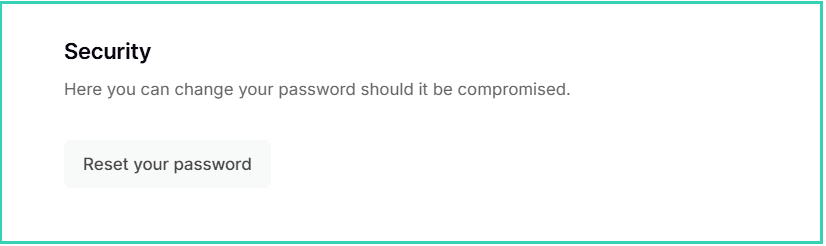
Scroll down to the Security section and click on Reset your password, as shown below:
-
Enter your old password and your new password, confirm the new password, and then click on Save Changes
Congratulations! You've successfully changed your password.
Was this article helpful?
Related articles
Still need help?
Send a ticket to our support team and they will get back to you.